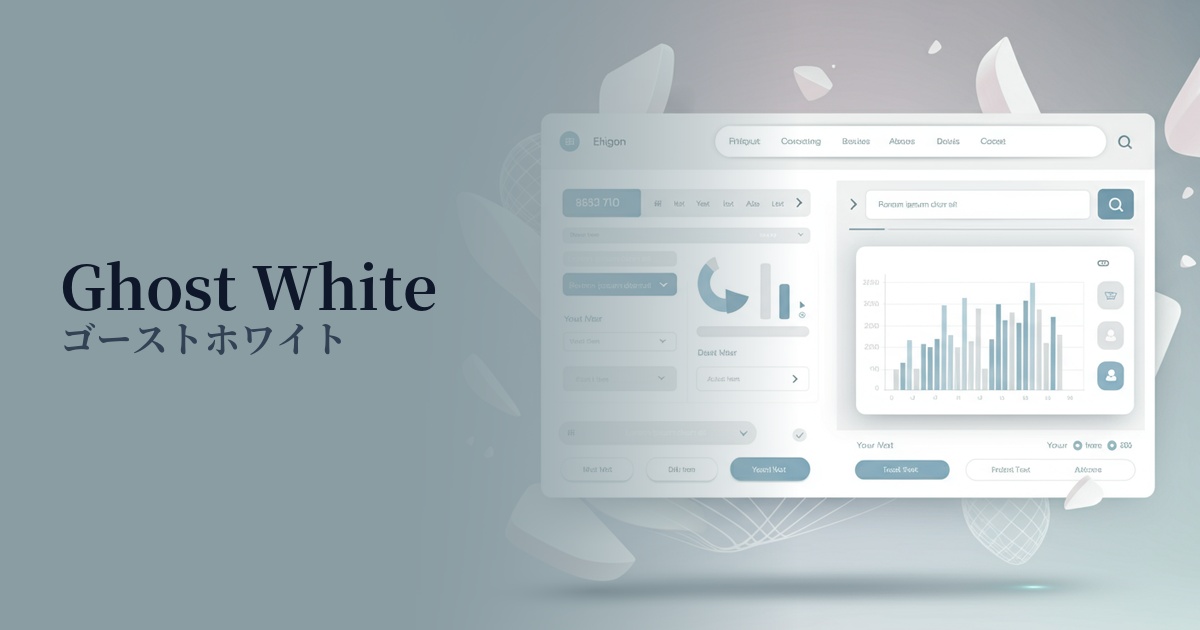
| English name | Cloud White |
|---|---|
| Katakana | Cloudwhite |
| HEX | #F7F7F7 |
| RGB | 247, 247, 247 |
| Design Theme | Neutral & Minimal Background Colors |
Why is it a trend? (Background and reasons)
In recent years, web design has seen a return to minimalism and clean design as a reaction against the information-overloaded digital environment. Cloud white is one of the colors that symbolizes this trend, and because it gives a simple yet sophisticated impression, it is used on many modern websites.
Furthermore, the growing interest in digital well-being is also a contributing factor. Cloud White, which is slightly grayer than pure white (#FFFFFF), is expected to reduce screen glare and alleviate eye strain for users. It provides a comfortable user experience even for content that is expected to be viewed for extended periods.
This color's appeal lies in its exquisite neutrality—neither too cold nor too warm. Therefore, it seamlessly blends into a wide range of aesthetics, from technology-related services to natural-minded brand websites, acting as a canvas that maximizes the appeal of the content.
The psychological effects of design and UX
Cloud White conveys an impression of cleanliness, tranquility, and integrity to users. It softens the sharpness and tension inherent in pure white, creating a calmer and more trustworthy atmosphere. This allows users to use services and read information with peace of mind.
From a UI/UX perspective, this color is excellent as a "subtle background." Its understated nature enhances the visibility of important elements such as text, images, and CTA buttons, naturally guiding users to their desired content. This clarifies the hierarchical structure of information and reduces cognitive load.
Using it as a background color brings a sense of openness and spaciousness to the entire page. It effectively utilizes "whitespace (negative space)," resulting in a sophisticated and modern layout. It's an ideal color when you want to avoid a cluttered impression and allow the reader to focus on the content itself.
Visibility testing (UI component example)
Practical usage (best practices)
Using cloud white as the background color for the entire website is one of its most basic applications. This helps create a clean and consistent brand image. It is particularly effective for minimalist portfolio sites and e-commerce sites that sell high-quality products.
It's also recommended to use it as the background color for card-type UIs and content blocks. For example, by making the main background an even lighter gray and using cloud white for the card sections, you can visually organize blocks of information in an easy-to-understand way and create a sense of depth.
It's also ideal as a base color to enhance accent colors. When combined with vibrant primary or brand colors, it makes those colors stand out more, effectively guiding the user's attention to CTA buttons or links you want to attract.
This is also effective in form design. Using cloud white as the background for input fields creates a clean and user-friendly impression, lowering the psychological barrier to user input. It also makes red text indicating errors more visible.
Recommended color scheme suggestions
Slate Gray (#708090)
Using a calm slate gray for text and UI elements creates a sense of reliability and stability. The brightness of cloud white softens the heaviness of the gray, resulting in a well-balanced combination that gives a modern and intelligent impression.
Sage Green (#9DC183)
Adding sage green, reminiscent of nature, as an accent creates a calm and organic atmosphere. This color scheme is ideal for wellness-related websites and for building the image of environmentally conscious brands.
Coral (#FF7F50)
Using a warm coral color for CTA buttons or as an accent color adds vibrancy and approachability to the design. The vibrant coral stands out against the cloud white base, drawing the user's attention.